Find the best
photo spots
wherever you are.
Everything you need, nothing you don't.
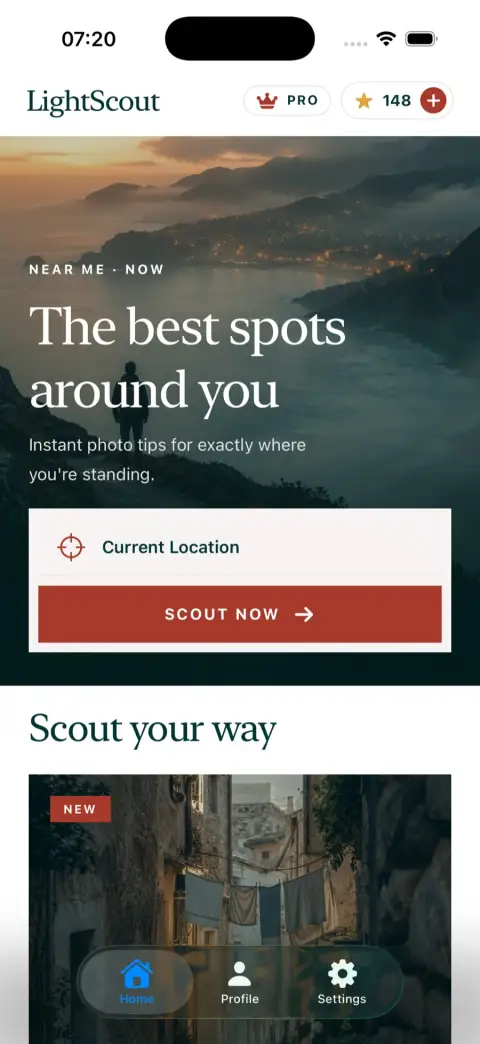
Scout where you're standing or any pin on the map, with current weather context and guides personalised to your camera and experience level.
This week in travel photography.
An editorial briefing on where to shoot, the light to plan for, and the gear worth carrying. Publication frequency can vary.

Camera Apps for Night Travel Photos: What to Use in 2026
Start with your phone's camera after dark. When night mode helps, when moving subjects need a different approach, and what Open Camera and Halide actually add.
Read this week's report →Sydney Harbour Photography in October 2026: Two Shores, One Clock Change
Sydney sunset jumps from 17:59 to 19:00 on 4 October. A practical two-shore plan, checked sun times and the garden gate deadline that changes your route home.
Read →Best Aurora Apps 2026: What Your Northern Lights Alert Is Actually Measuring
Most aurora apps repackage the same few data streams. What Kp, OVATION and magnetometer alerts actually tell you, the apps worth installing with their honest limits, and the moon trap: on 18 October a half-lit moon never rises over Tromsø.
Read →Two ways to scout.
Scout where you are now, or plan ahead for another destination.
Near Me
You're already there. Request a guide for your surroundings.
One button on the home screen. That's it.
See where you are, check the credit cost, tap Scout This Location.
Best spots nearby, current conditions, golden hour times — personalised to your gear and level.
Hidden Gems & More
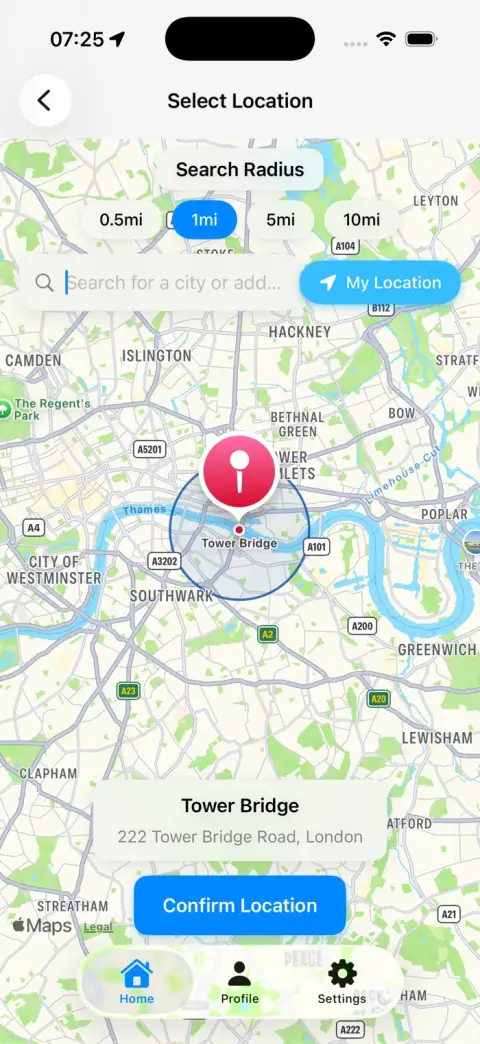
Travelling somewhere? Build a starting plan.
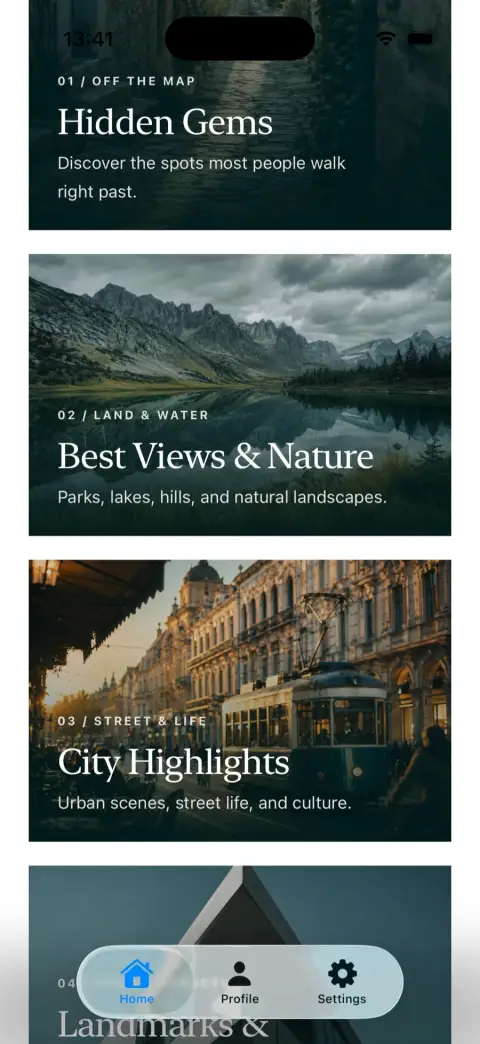
Hidden Gems, Best Views, City Highlights, or Landmarks & Architecture.
Set the date and time, search the map or drop a pin at your destination.
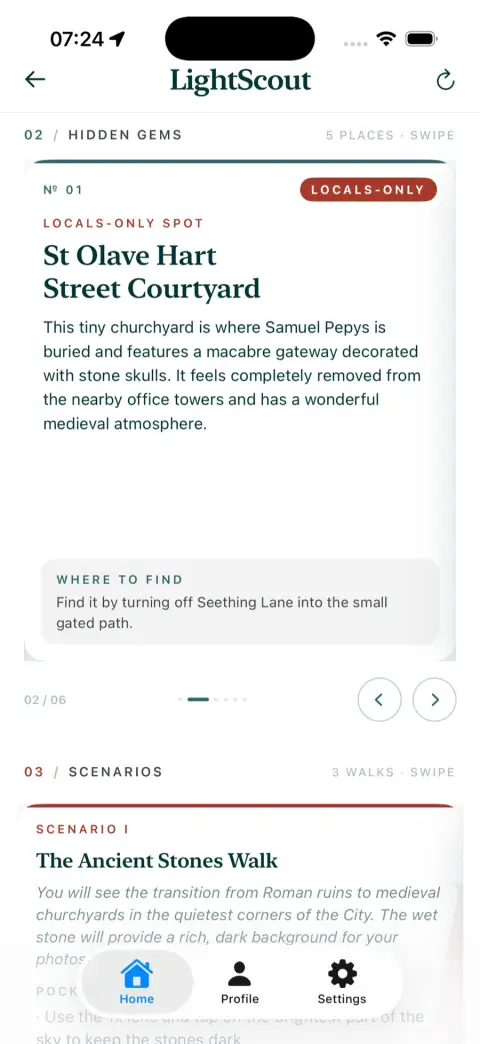
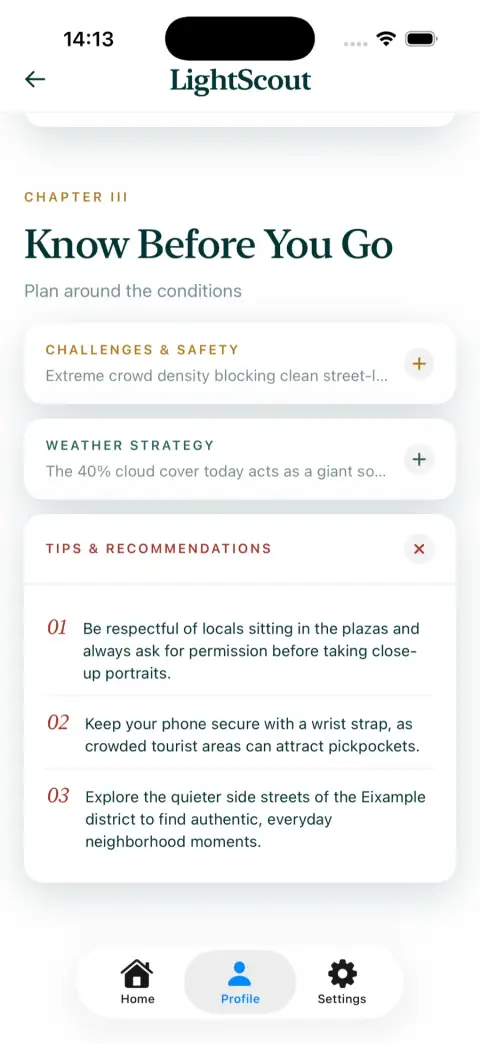
AI-assisted spot suggestions, directions, and composition context — confirm practical details before the day.
Chase the light, not just the location.
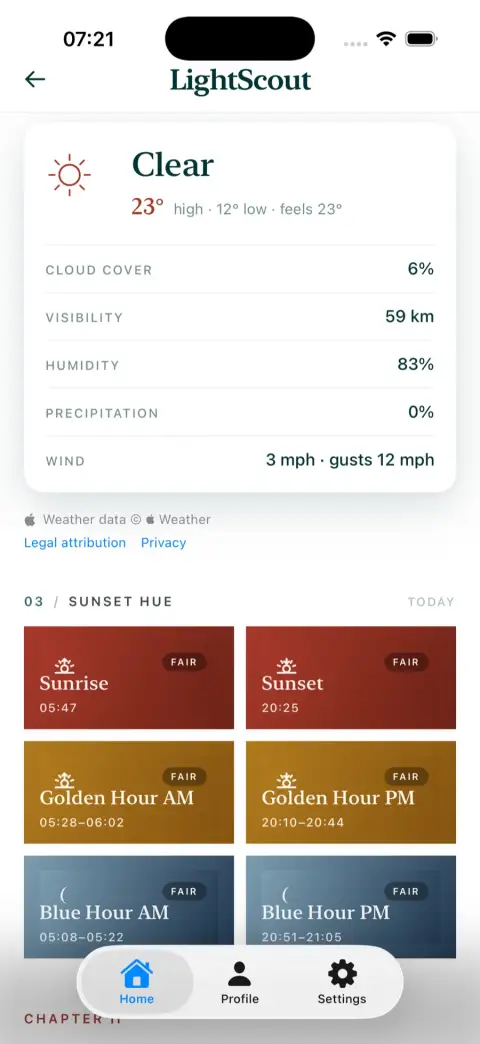
Guides show calculated blue-hour, golden-hour, sunrise and sunset windows for the chosen location and date, with weather-based context. Confirm important timing and conditions independently.
Sunrise
05:47Golden Hour
05:28 – 06:02Blue Hour
05:08 – 05:22Sunset
20:25Golden Hour
20:10 – 20:44Blue Hour
20:51 – 21:05Free photography guides worldwide.
Photo-spot ideas, golden-hour timing, and practical photography tips for 40+ destinations.


Built for real trips, real light, real shots.
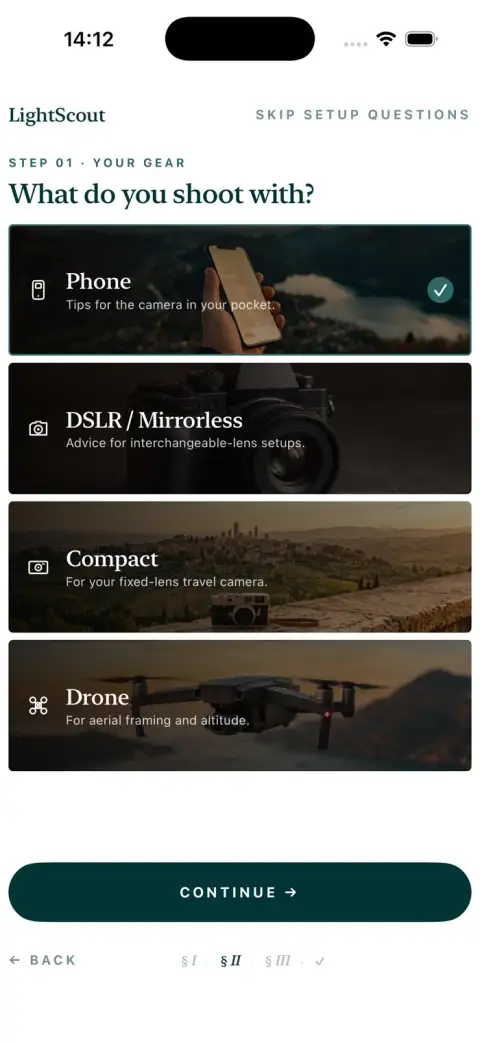
Works with iPhone, Canon, Sony, Nikon, Leica, and Hasselblad.
Pick a mode. Get your guide.
Five ways to explore — from your surroundings to less-obvious possibilities.
Near Me
Request an AI-assisted guide for your current area. Confirm recommendations and access independently.
Hidden Gems
Discover spots most people walk straight past — with explanations of what makes each one special.
Best Views & Nature
Parks, lakes, hills, and natural landscapes — the scenes worth the walk.
City Highlights
Urban scenes, street life, and local culture — the city as a photographer sees it.
Landmarks & Architecture
Structures, bridges, and architectural details — with tips on angles, light, and timing.
The best photo spots, in your inbox.
Join for new location guides, photography updates, and Android availability news. Email frequency can vary.
Free · No spam · Unsubscribe anytime
Built by a photographer,
for photographers.
"I built LightScout because I was tired of spending hours researching photo spots before every trip. Now I just open the app and go."
Tom Murton, Founder
Read the full story →Start finding better shots today.
Free to download. No photography experience needed. Works with your phone, your camera, your level.